
What is Google Lens?
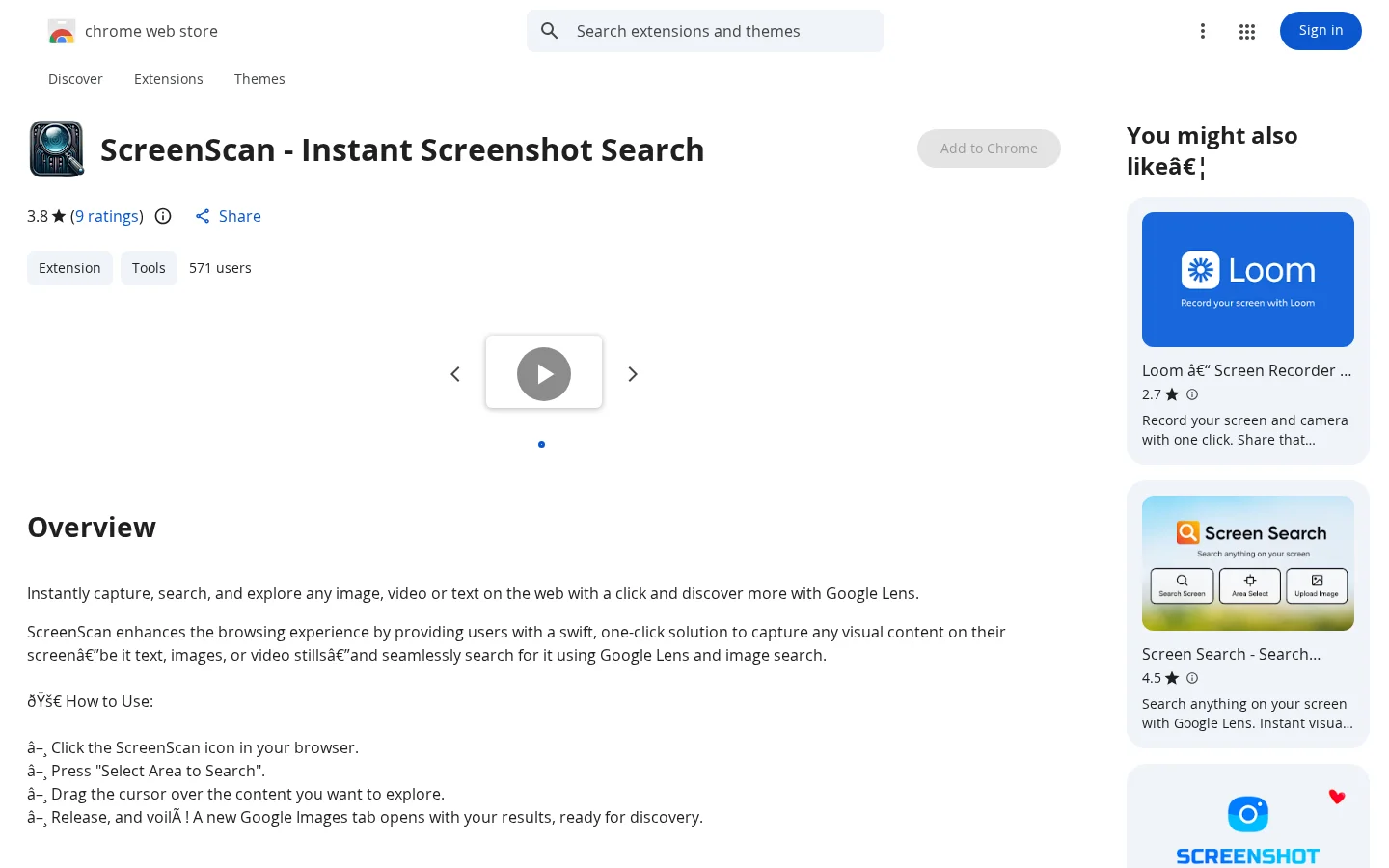
ScreenScan enhances the browsing experience by providing users with a quick, one-click solution for capturing visual content on the screen—whether it’s text, images, or video footage on a webpage, all can be instantly selected and explored in depth using Google Lens and image search.
Key features
Supports directly invoking Google Lens after selecting a region to perform product recognition, text-image translation, and in-depth visual web searches;
Allows comparing prices of selected products across different websites; for example, after discovering a product on Amazon, you can launch ScreenScan with one click to horizontally search for the best price across the entire web.
Use cases and audience
Movie enthusiasts, language learners, e-commerce shoppers, students and educators, design professionals, and knowledge seekers
- Movie enthusiasts can identify actors and uncover related film information
- Instantly translate text in images for language learners
- E-commerce shoppers compare prices to get the best deal
Any screen area selected by the user on a webpage (including text, images, and video frames)
The Google Images search results page opened in a new tab, supporting further operations such as recognition, translation, product price comparison, and formula analysis using Google Lens
Frequently asked questions
Does ScreenScan support precise selection at any zoom level?
Supported. ScreenScan can accurately select content at any zoom level and display ratio.
Can this tool be used to parse complex mathematical formulas or historical art images?
Yes. For example, complex mathematical equations, historical art images, and other visual content can all be quickly learned and information retrieved through selection followed by search.
How to use
- 01
Click the ScreenScan icon in the top-right corner of your browser
- 02
Click “Select Area to Search”
- 03
Drag the cursor to select the screen content you want to explore
- 04
Release the mouse, and Google Images search results will automatically open in a new tab
Official website & sources
Updated on 2026-11-01


