
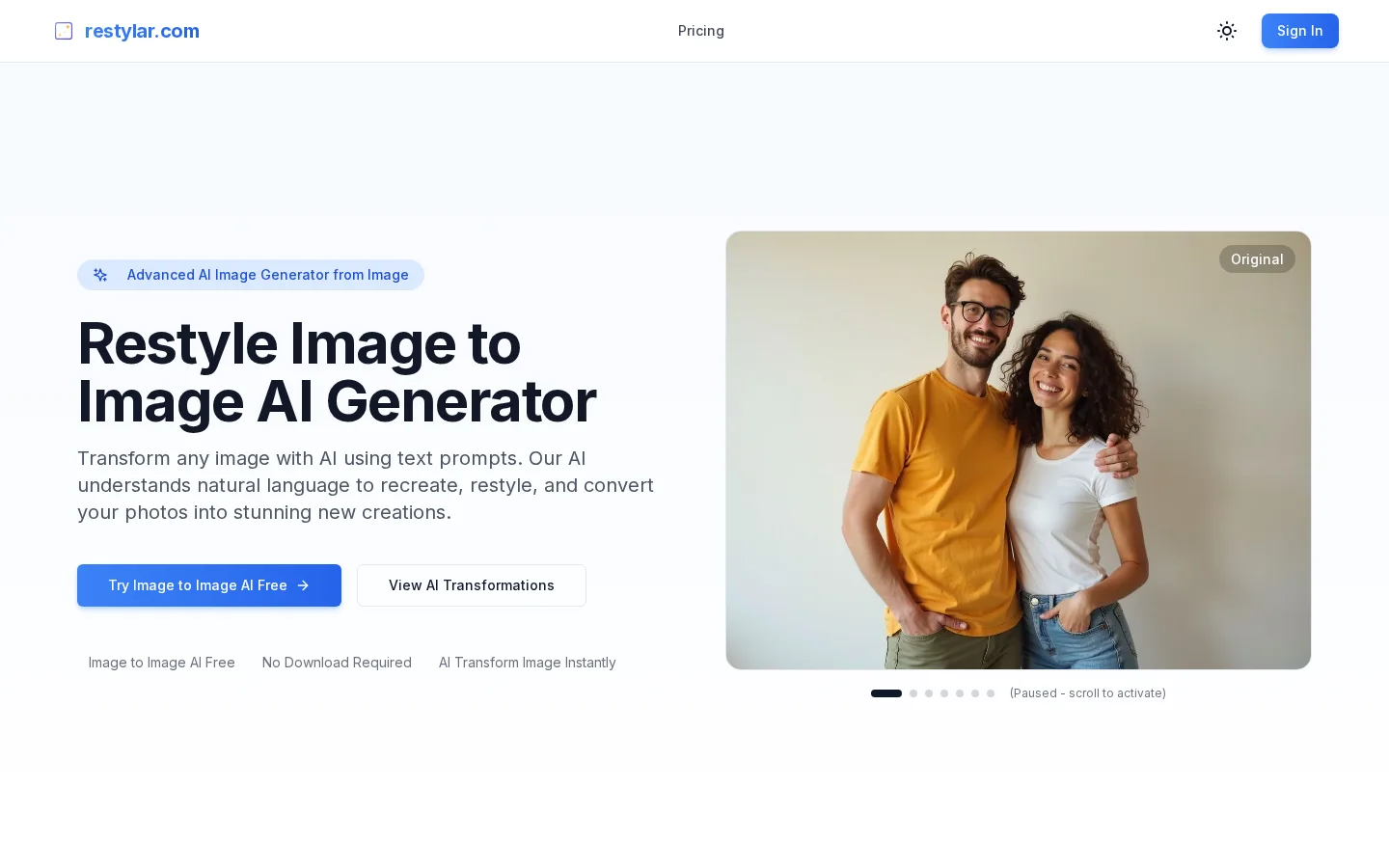
What is Restylar?
Restylar is a free online AI image re-creation tool that excels at “image-to-image generation” and requires no installation—ready for immediate use. Its core strength lies in precise, natural-language-driven image transformations: after uploading a source image, users can complete diverse editing tasks—including style transfer, background replacement, adjustments to human pose or clothing, and modifications to lighting or seasonal effects—simply by providing textual descriptions. The system offers three quality modes—Lite, Standard, and Professional—balancing processing speed with output accuracy while ensuring consistency in character identity, key features, and overall composition.
Key features
It supports one-click conversion of photos into various artistic styles such as oil painting, sketch, anime, watercolor, and more, catering to creative expression and visual experimentation needs.
It enables style transfer based on reference images, using any picture as an aesthetic template and combining it with text prompts to generate new, stylistically consistent images—meeting the demands of brand visual extension and large-scale marketing material production.
Use cases and audience
Content creators, e-commerce operators, graphic designers, marketing specialists, photographers, and small business owners
- Convert photos into artistic styles such as paintings, sketches, anime, and more
- Change image backgrounds, adjust lighting and weather conditions, and completely transform indoor and outdoor environments
- Generate professional portraits suitable for LinkedIn and corporate branding, supporting various poses and outfits
Original images in JPG, PNG, or WebP formats
High-resolution AI-generated images suitable for multiple applications
Frequently asked questions
What is Restyle Image to Image AI? How does it work?
Restyle Image to Image AI is an advanced AI-powered image generator that transforms photos based on text prompts: upload an image and describe the desired changes; the AI understands natural language and instantly redraws, restyles, and converts the image.
Is it free to use?
Yes! You can start with the free tier; after registering, you’ll receive free credits for AI image transformations and conversions. If you need more credits, you can purchase affordable plans to enable unlimited AI image conversions.
How to use
- 01
Upload original images in JPG, PNG, or WebP formats
- 02
Describe the desired transformation effects using natural language, such as style changes, background modifications, or detailed adjustments
- 03
AI instantly generates the transformed image
- 04
Download high-resolution results
Pricing and availability
A free tier is available; register now to receive free credits; additionally, affordable plans support unlimited AI image conversions.
- Pricing source
- https://restylar.com/
- Pricing last updated
- 2026-10-31
Prices and limits may change. Check the official website for current terms.
Official website & sources
Updated on 2026-10-31


