
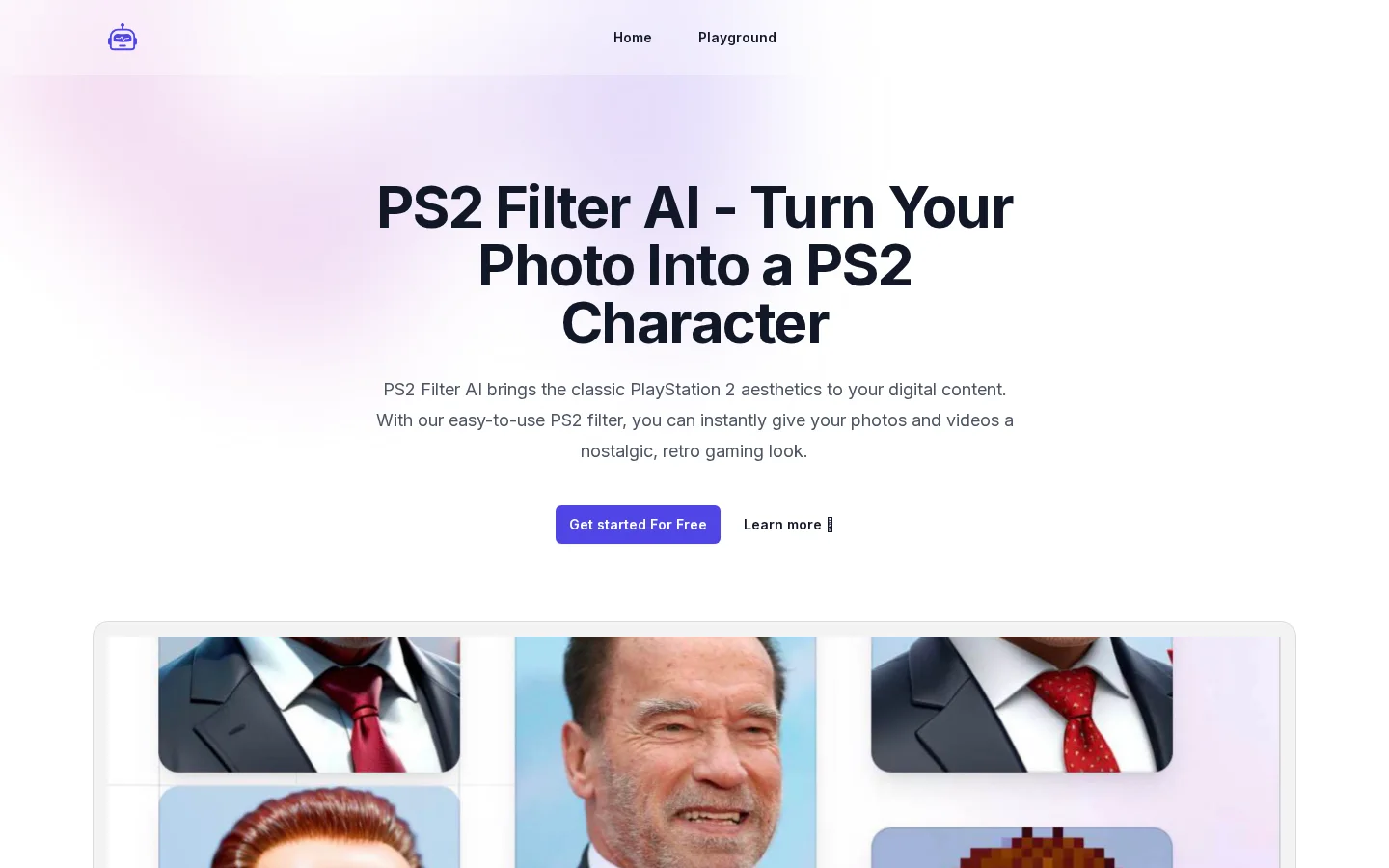
What is PS2 Filter AI?
PS2 Filter AI brings the classic PlayStation 2 visual aesthetic to digital content: using specialized algorithms to simulate PS2’s signature low-poly modeling, pixelated textures, tone compression, and subtle dithering effects, instantly imbuing photos and videos with a nostalgic, retro gaming vibe. The entire process requires no installation—supporting instant web-based uploads, real-time previews, and adjustable intensity levels—and compatible across multiple platforms, including mobile phones, tablets, and computers.
Key features
Precisely restores the PlayStation 2 graphic style, faithfully capturing the visual texture and nostalgic atmosphere of early 2000s games.
Provides real-time previews of transformation effects, allowing users to instantly view and adjust the intensity while applying filters.
Use cases and audience
Catering to retro gaming enthusiasts, social media content creators, and everyday users who wish to add a vintage visual flair to their digital content.
- Convert photos or videos into nostalgic PlayStation 2–style game visuals for sharing on social media.
- Add 2000s-era console game visual characteristics to digital content, enhancing the retro vibe
- Instantly generate PS2 filter effects on mobile devices, enabling creation anytime, anywhere
Supports various photo and video file formats, with no strict requirements regarding original quality or format.
Photos or videos processed through the PS2 filter exhibit the distinctive visual style and early 2000s game-like texture characteristic of PlayStation 2 titles.
Frequently asked questions
How does the PS2 filter work?
The PS2 filter uses advanced algorithms to replicate the graphical style of PlayStation 2 games and applies it to photos and videos, delivering an authentic retro gaming look.
How can I apply the PS2 filter to my content?
Simply upload a photo or video to the PS2 Filter AI platform, select the PS2 filter, and apply it; you can adjust the intensity before completing the nostalgic-style transformation.
How to use
- 01
Upload photos or videos to the PS2 Filter AI platform
- 02
Select the PS2 filter and adjust its intensity to suit your preferences
- 03
Preview the transformation in real time
- 04
Download the processed file or share it directly to social media platforms
Pricing and availability
PS2 Filter AI offers both a free version and a premium version: the free version includes basic features, while the premium version unlocks advanced customization options and higher-quality conversions.
- Pricing source
- https://ps2filter.net/
- Pricing last updated
- 2026-10-31
Prices and limits may change. Check the official website for current terms.
Official website & sources
Updated on 2026-10-31

