
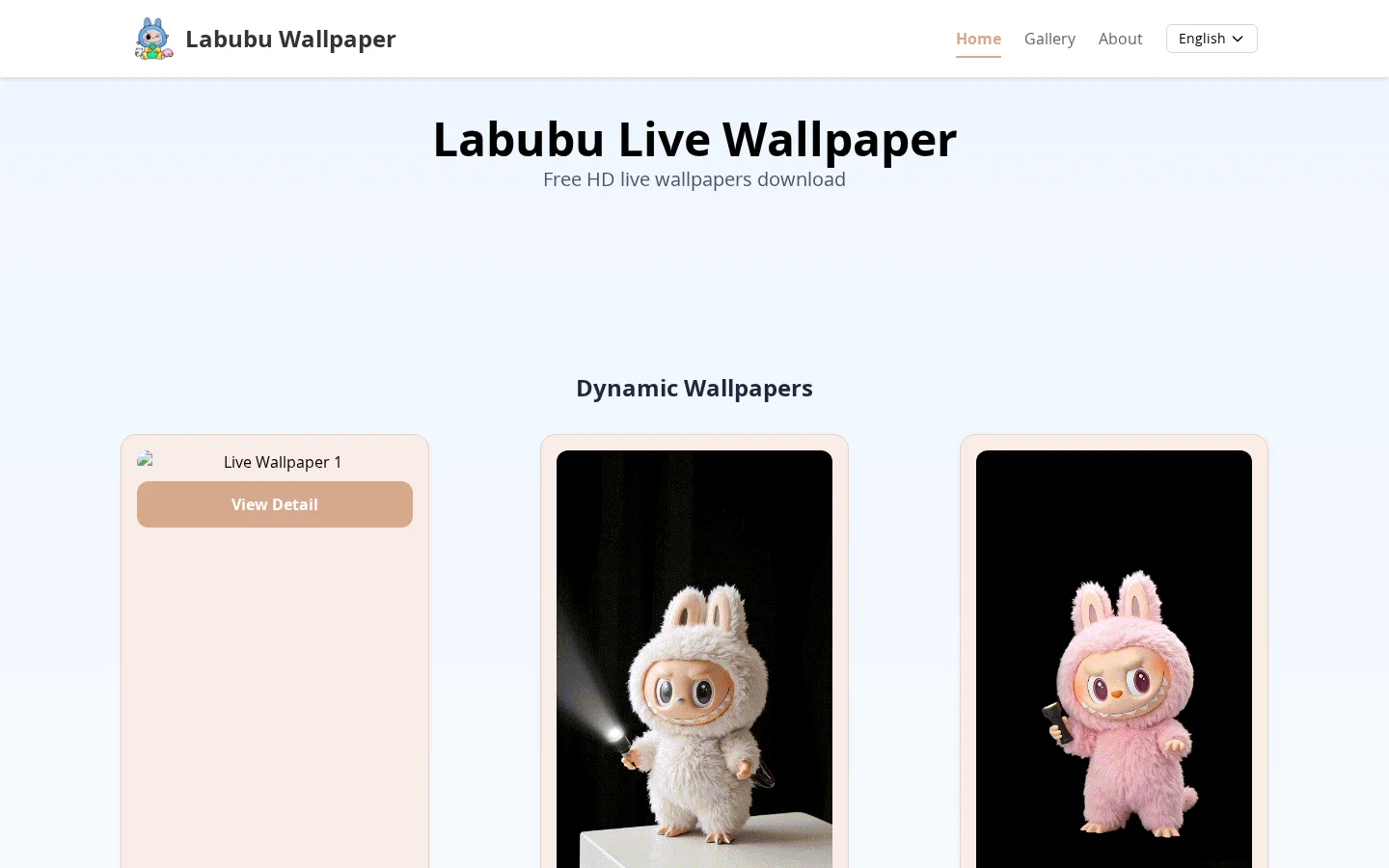
What is Labubu live wallpaper?
Labubu live wallpaper offers carefully curated, high-definition dynamic wallpaper resources in both Live Photo and video formats. All wallpapers incorporate Labubu’s signature kawaii design elements and feature fluid animations to enhance visual appeal. Static wallpapers are also available, tailored to suit various smartphone screen sizes and high-resolution displays. Users can enable Live Wallpapers on their iPhones in just four simple steps: download the wallpaper → convert it to a Live Photo using intoLive → select “Set as Wallpaper” in the Photos app → activate Live mode and configure settings. Once set, the wallpaper will display vibrant, interactive effects when the device wakes up.
Key features
Supports dynamic video wallpapers, combining Labubu’s cute elements with smooth animation effects to bring your phone’s home screen to life.
Provides high-resolution static wallpapers, optimized for various smartphone screen sizes to ensure sharp, detailed display on different devices.
Use cases and audience
Labubu fans, iPhone users, and young people seeking personalized phone home-screen experiences.
- Set Labubu dynamic wallpapers as your iPhone lock screen to enjoy adorable animated effects whenever you wake your device.
- Use Labubu static wallpapers to adapt to various phone screen sizes, delivering a high-definition viewing experience.
- Choose Labubu video wallpapers to add lively vibrancy to your phone, blending Labubu’s cute elements with smooth animations.
Labubu dynamic wallpapers downloaded from the website (requiring conversion via intoLive), static wallpapers (usable directly), or video wallpaper files.
Dynamic wallpapers in Live Photo format that can be enabled on the iPhone lock screen, or high-definition static/video wallpapers ready for direct use.
Frequently asked questions
How do you use animated wallpapers on an iPhone?
First, download the dynamic wallpaper, then use the intoLive app to convert it into a Live Photo. After that, in the Photos app, select “Set as Wallpaper” and enable the “Live” feature.
Are static wallpapers compatible with different phone screens?
Yes, the carefully selected high-quality static wallpapers are optimized for various phone screen sizes and support high-definition resolution displays.
How to use
- 01
Download your favorite Labubu animated wallpaper and convert it into a Live Photo using the intoLive app; static wallpapers can be used directly.
- 02
Open the iPhone “Photos” app, locate the downloaded wallpaper, tap the share button in the lower-left corner, and select “Set as Wallpaper.”
- 03
On the wallpaper preview screen, tap the “Live” icon in the lower-left corner to enable the Live Photo feature, then tap “Set” in the upper-right corner.
- 04
After locking the screen and waking it up again, you can view the Labubu animated wallpaper effect.
Pricing and availability
Free downloads of HD dynamic wallpapers, static wallpapers, and video wallpapers are available.
- Pricing source
- https://labubuwallpaper.fun/
- Pricing last updated
- 2026-10-30
Prices and limits may change. Check the official website for current terms.
Official website & sources
Sources
Updated on 2026-10-31


