
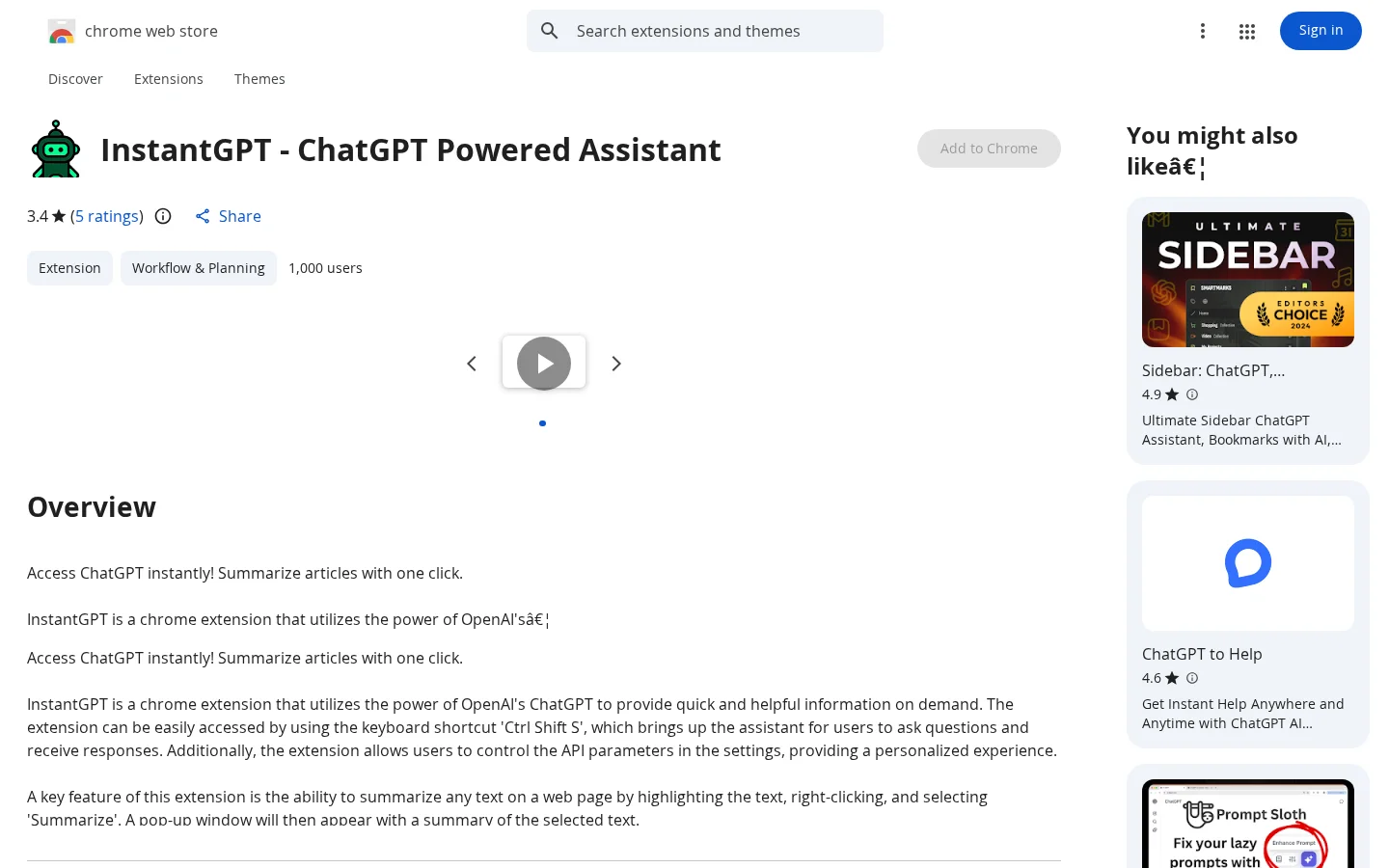
What is InstantGPT?
InstantGPT is a Chrome browser extension that leverages OpenAI’s ChatGPT to provide instant, efficient information retrieval. Users can quickly summon the assistant window with the Ctrl+Shift+S shortcut to ask questions and receive responses; it also supports highlighting text on any webpage and right-clicking to select “Summarize,” instantly generating a summary pop-up for the selected content. Before use, users must first obtain an API key from the official OpenAI website, which is available free of charge.
Key features
Supports the Ctrl+Shift+S keyboard shortcut to instantly open the ChatGPT assistant chat window
Allows you to highlight text on any webpage, right-click, and select “Summarize” to instantly generate a summary of the selected text
Use cases and audience
Chrome users who need to quickly call upon ChatGPT for summarizing web page content or getting instant answers
- Summarize web page content with one click
- After highlighting web page text, right-click and select “Summarize” to generate a summary.
- Use the shortcut Ctrl+Shift+S to quickly invoke the ChatGPT assistant for asking questions.
Any highlighted text on a webpage, or a natural language question entered via the shortcut key
Text summaries or Q&A responses generated based on the OpenAI ChatGPT model
Frequently asked questions
Do you need to provide your own API key?
Yes, users must supply their own OpenAI API key, which can be obtained free of charge from the OpenAI website.
Does this extension collect or sell my data?
The developer states that it does not collect or use your data, does not sell data to third parties, and that the data is used solely to enhance core functionality.
How to use
- 01
Install the InstantGPT extension in the Chrome browser.
- 02
Go to the official OpenAI website to obtain your own API key for free.
- 03
Enter your API key in the extension settings.
- 04
Use the shortcut Ctrl+Shift+S to summon the assistant, or highlight text on a webpage and right-click to select “Summarize.”
Official website & sources
Updated on 2026-10-30
