

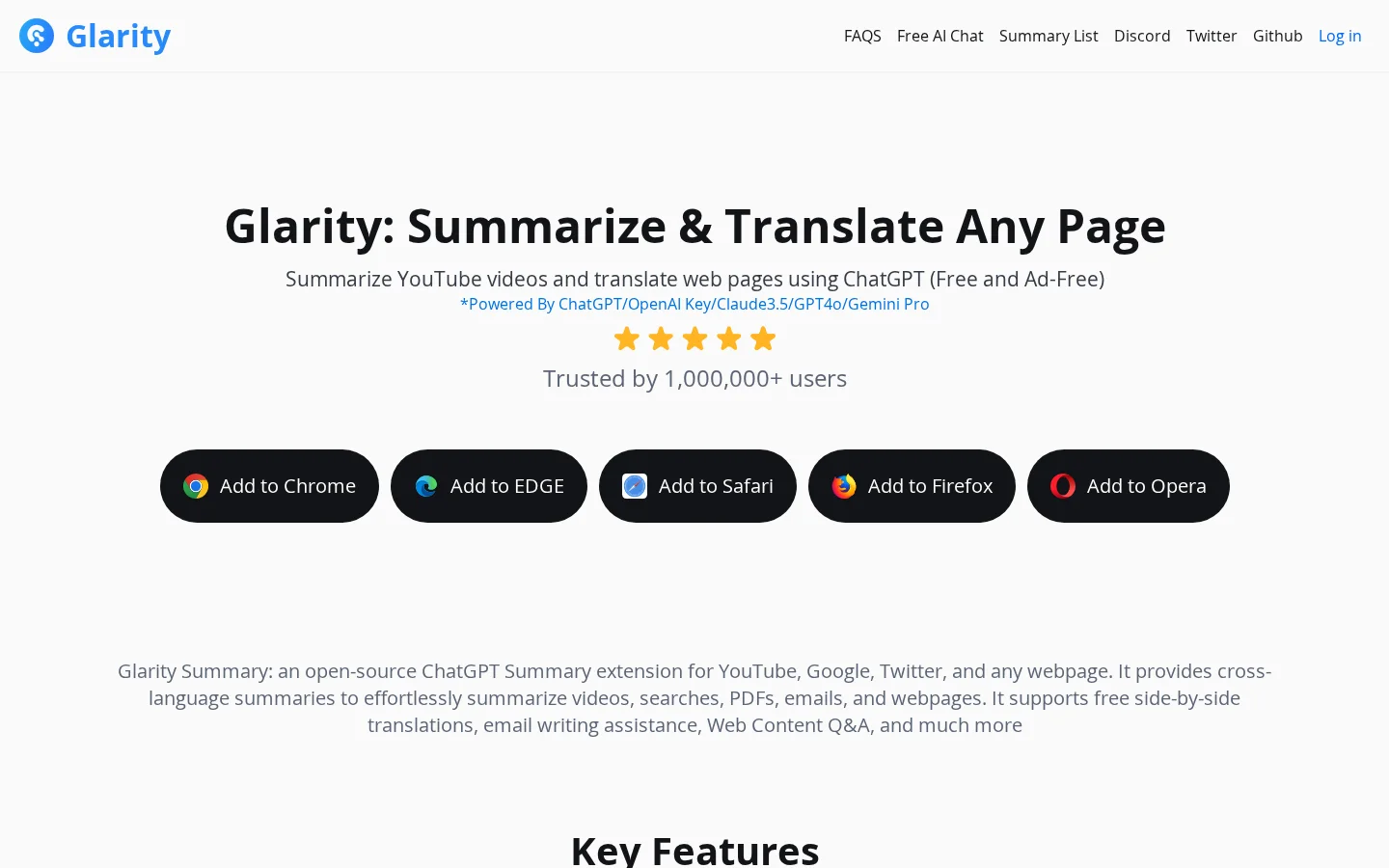
What is Glarity?
Glarity is an open-source ChatGPT-based summary browser extension that supports cross-language summarization for YouTube, Google, Twitter, and any webpage. It can summarize videos, search results, PDFs, emails, and webpages with a single click, while providing free side-by-side translation, email-writing assistance, and interactive webpage content Q&A features.
It integrates an AI Reader feature, enabling AI-powered analysis and interactive reading of webpages and PDFs. The AI Writer assistant boosts efficiency in generating and polishing articles, emails, and social media content by up to 20 times. Meanwhile, the AI Chat supports over 10 advanced models, a 200k-token context window, and unlimited image generation, delivering an experience superior to basic ChatGPT.
Key features
Supports YouTube video summarization, generating time-stamped highlights, FAQs, subtitles, and translations, while also allowing you to extract video content via AI chat.
Offers immersive webpage translation, covering full-page real-time translation, selected text translation on webpages, selected text translation in PDFs, and image translation.
Use cases and audience
Ideal for everyday users who need cross-language reading, content summarization, webpage/PDF analysis, and AI writing assistance, as well as multilingual learners.
- Summarize YouTube video content and generate multilingual summaries, timestamp highlights, and FAQs
- Perform AI summarization and cross-language Q&A interactions on any webpage
- Translate entire webpages, selected text, and PDF content in real time, with support for image translation
YouTube video pages, any webpage, PDF documents, selected text within webpages or PDFs, and images.
Multilingual video summaries, highlighted timestamps, FAQs, and subtitles; webpage/PDF summaries; side-by-side comparative translations; AI Q&A results; AI-generated content such as email and social media copy.
Frequently asked questions
How does Glarity summarize YouTube videos?
Glarity can generate summaries in over ten languages for YouTube videos, create time-stamped video highlights, produce FAQs, generate and translate subtitles, and extract content via AI chat.
Can Glarity summarize any webpage?
Yes, it supports generating summaries for any webpage, enables AI-based conversations based on the page’s content, and allows users to extract specific information using custom prompts.
How to use
- 01
Install the Glarity extension in Chrome, Edge, Safari, Firefox, or Opera browsers
- 02
Open a YouTube video, webpage, or PDF document
- 03
Click the Glarity icon to launch the summarization/translation/AI Q&A features
- 04
Use custom prompts to extract specific content or initiate an AI conversation
Pricing and availability
It is free and ad-free; no paid plans, usage limits, subscription periods, or commercial licensing terms are mentioned.
- Pricing source
- https://glarity.app/
- Pricing last updated
- 2026-10-30
Prices and limits may change. Check the official website for current terms.
Official website & sources
Updated on 2026-10-30
