

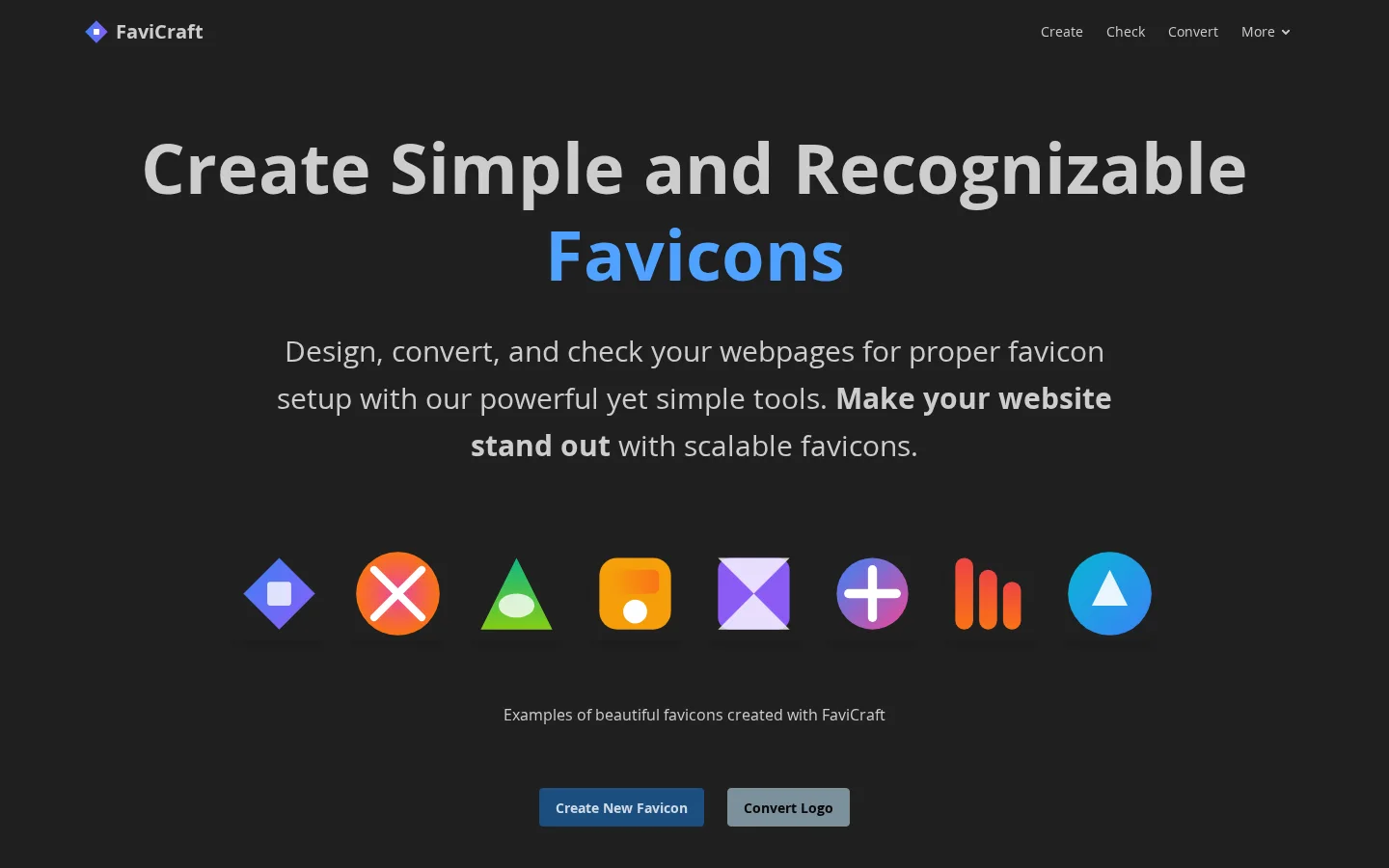
What is FaviCraft?
FaviCraft offers a one-stop favicon solution, supporting three core capabilities: designing from scratch, converting logos, and validating website favicon configurations. It supports five major formats—ICO, PNG, SVG, JPEG, and WebP—and caters to developers, designers, and content creators, meeting the demand for small, highly recognizable icons across various scenarios, including browser tabs, bookmark bars, and mobile devices.
Key features
Design custom favicons from scratch using an intuitive drag-and-drop editor—no design experience required.
Automatically convert existing logos into multi-size, multi-format favicons compatible with various devices and browsers (including ICO, PNG, SVG, JPEG, and WebP).
Offers favicon validation, analyzing whether any website has correctly deployed its favicon and providing specific optimization recommendations.
Use cases and audience
Ideal for web developers, graphic designers, content creators, and anyone who needs to create small, highly recognizable icons for their websites or personal brands.
- Create a simple, easily recognizable favicon for your website
- Convert your existing logo into multiple formats suitable for favicons with one click
- Check whether any website’s favicon configuration is correct and provide optimization suggestions
Supports uploading source files in ICO, PNG, SVG, JPEG, and WebP formats; you can also directly drag and drop designs within the editor.
Generates standard favicon file packages containing multiple sizes and formats (such as ICO, PNG, SVG, etc.), compatible with different browsers and devices.
Frequently asked questions
Which file formats are supported?
Supports ICO, PNG, SVG, JPEG, and WebP formats.
Do you need to register an account?
No registration required! You can start creating immediately, with no signup process.
How to use
- 01
Click “Create New Favicon” to design a custom favicon from scratch
- 02
Select “Convert Logo,” upload your existing logo, and automatically adapt it to multiple sizes and formats
- 03
Use “Favicon Checker,” enter a URL, and analyze the current status of your favicon deployment
- 04
Download the generated files in ICO, PNG, SVG, and other formats instantly
Benefits and limitations
Benefits
- Easily create favicons without any design skills
- AI generates unique favicons
- Automatically adjusts size and converts formats
- Preview your favicon before downloading
Limitations
- Generating a favicon requires credits
- Deleting your account is irreversible
Pricing and availability
✅ 100% free to use; ✅ No registration needed; ✅ Instant download; all features are completely free.
- Pricing source
- https://favicraft.com/
- Pricing last updated
- 2026-10-30
Prices and limits may change. Check the official website for current terms.
Official website & sources
Updated on 2026-10-31

