
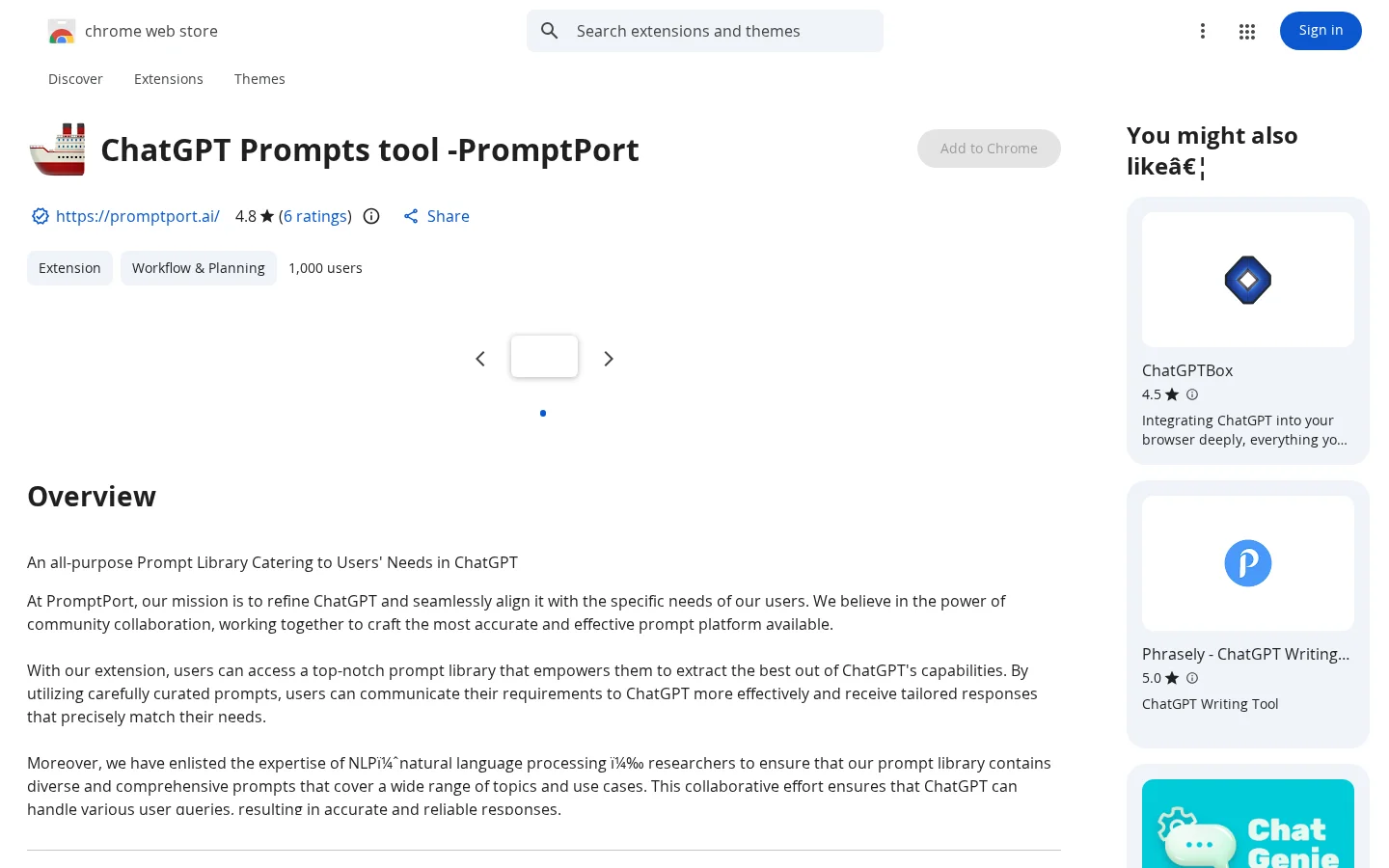
What is PromptPort?
PromptPort is a general-purpose prompt library extension for ChatGPT users, dedicated to enhancing the user–ChatGPT interaction experience. Its mission is to create an accurate, effective, and broadly applicable prompt platform through community collaboration and expert support from NLP researchers. After installation, users can instantly access carefully curated prompts, significantly improving the clarity of their instructions and the relevance of the model’s responses.
Key features
It integrates a diverse, fully comprehensive prompt library developed with the participation of natural language processing (NLP) researchers, covering multiple topics and use cases.
It ensures that user activity data is not sold to third parties and is not used for credit assessments, lending, or any other purposes unrelated to its core functionality.
Use cases and audience
ChatGPT users—especially everyday users and content creators—who require efficient, precise prompts to enhance interaction quality.
- Provides ChatGPT users with ready-to-use prompt libraries, boosting communication efficiency with the model.
- Diverse prompts covering multiple subject areas, suitable for various use cases
- Enhanced accuracy and reliability of prompts across different queries, thanks to the involvement of NLP researchers in their design
The natural language requests entered by users in the ChatGPT interface, along with pre-defined prompts selected from the PromptPort prompt library.
Optimized ChatGPT response results, whose accuracy and relevance are improved through the use of high-quality prompts.
Frequently asked questions
Does this tool support commercial use?
The developer has not specified the scope of commercial licensing; EU users should note: this developer is not labeled as a “trader,” so consumer rights do not apply.
Is the data sold or used for credit assessment?
Explicit statement: Data is not sold to third parties, nor used for unrelated purposes, and is not utilized for credit assessment or lending.
How to use
- 01
Install the PromptPort extension in the Chrome browser
- 02
Open the ChatGPT website and activate the extension
- 03
Select or search for an appropriate prompt from the built-in prompt library
- 04
Insert the selected prompt into the ChatGPT input box with one click and submit
Official website & sources
Updated on 2026-10-30