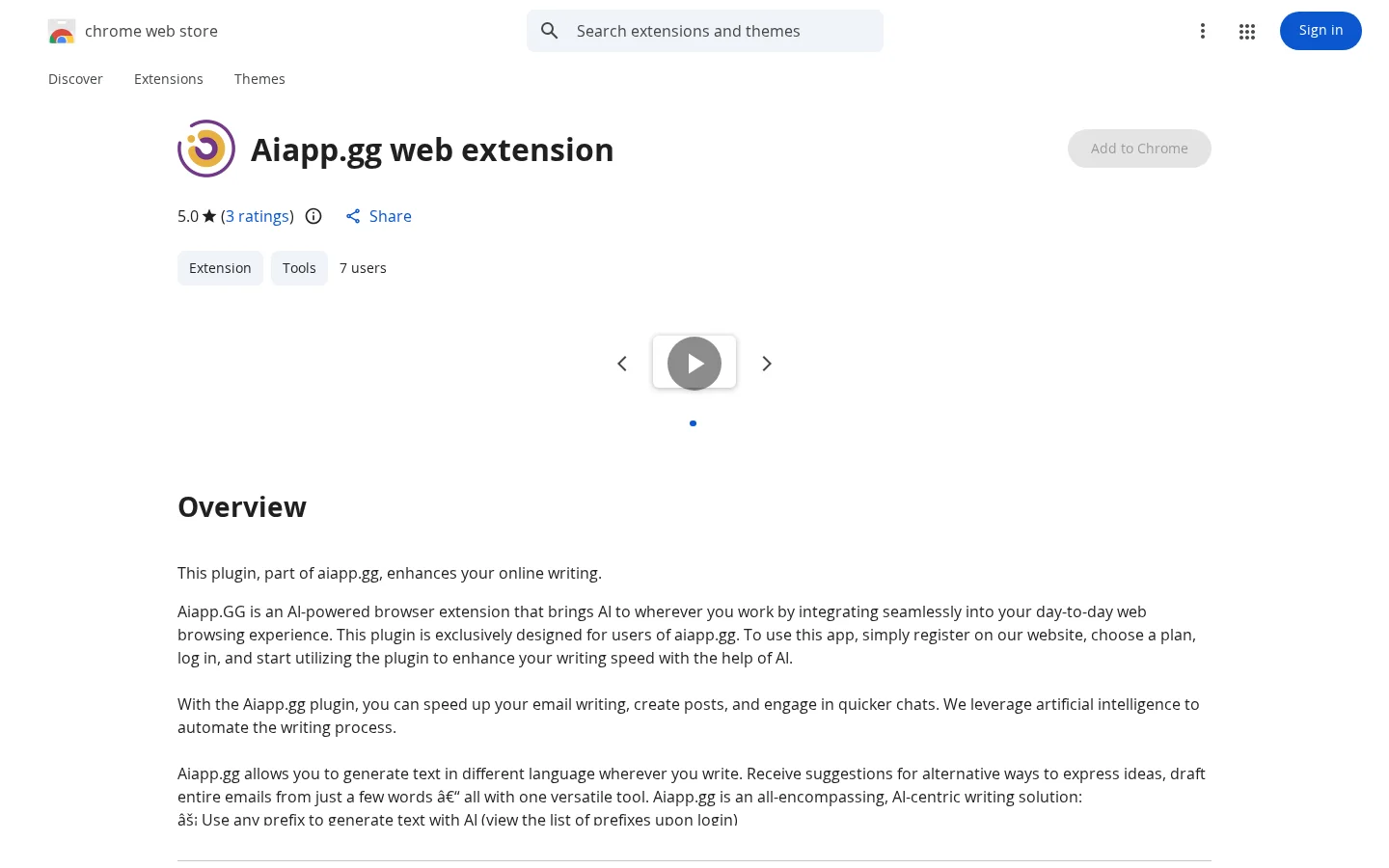
What is Aiapp.GG?
The Aiapp.gg browser extension is the official companion tool for the aiapp.gg platform, bringing AI writing capabilities directly into every text-input field across websites. After logging into your aiapp.gg account, you can invoke AI features in any website’s text box: simply enter specific prefixes (such as "gen:" or "email:") to quickly generate blog posts, marketing copy, or entire emails; support cross-site automatic sentence completion; offer multiple style rewriting options—including friendlier, more professional, shorter, or more detailed expressions; and even enable one-click email replies, dramatically enhancing both speed and quality of text processing.
Key features
It supports triggering AI-generated text of various types by entering a prefix (such as "gen:" or "email:") in any webpage, covering blog posts, marketing copy, and complete emails.
Provides sentence rewriting functionality, allowing you to adjust original text as needed into more friendly, professional, concise, or detailed expressions.
Use cases and audience
Office workers, content creators, and professionals who frequently communicate and need to improve their daily online writing efficiency.
- Accelerates email writing, supporting quick drafting and replying to emails.
- Automatically generate various types of text, such as blog posts and marketing copy, on different websites
- Rewrite existing sentences to make them more friendly, professional, shorter, or longer
Text prompts (including specified prefixes like "gen:" or "email:"), sentences to be rewritten, email subjects, or brief requirement descriptions.
AI-generated complete emails, multilingual texts, rewritten sentences, and automatic completion suggestions within webpages.
Frequently asked questions
Does it support multiple languages?
Supports all major languages; simply specify the target language in your prompt.
How is data privacy protected?
User data is not stored on servers and is used only to generate responses in real time; industry-standard encryption and security measures are employed.
How to use
- 01
Visit the aiapp.gg website to register an account and choose a subscription plan
- 02
After logging into your account, install the Chrome browser extension
- 03
In any web page input box, use a preset prefix (such as "gen:" or "email:") to trigger AI-generated content
- 04
Directly utilize auto-completion, rewriting, or full-text generation features based on the context
Pricing and availability
In-app purchase options are available; you must register an aiapp.gg account and select a paid plan to access all features.
- Pricing source
- https://chromewebstore.google.com/detail/aiappgg-web-extension/bfkjjpjjipjjbdaefiapikghkmfnoemd
- Pricing last updated
- 2026-10-27
Prices and limits may change. Check the official website for current terms.
Official website & sources
Updated on 2026-10-27