
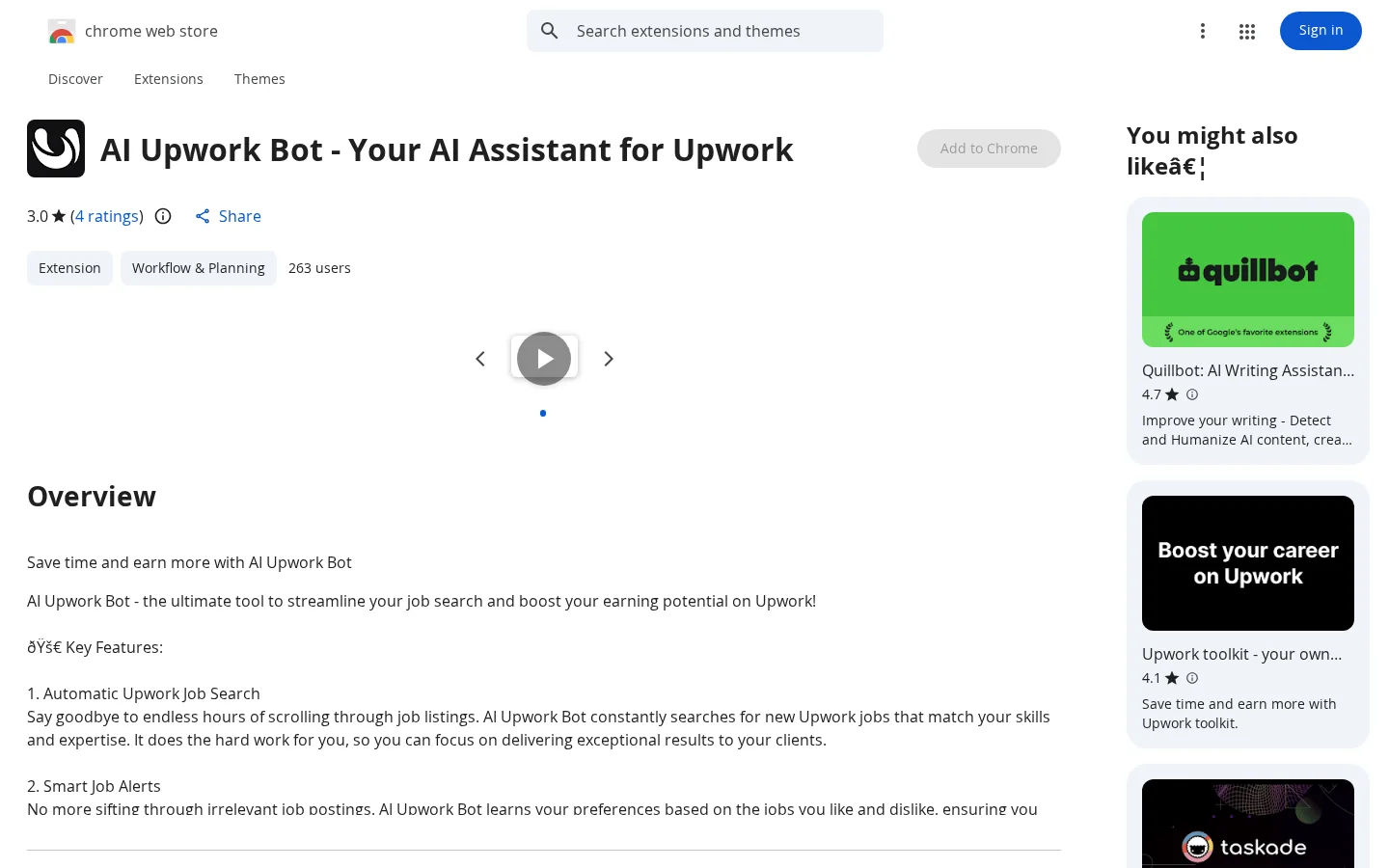
Key features
Automatic Upwork Job Search: Continuously scans newly posted jobs and automatically matches them based on user skills and expertise, reducing time spent manually browsing.
AI-Powered Proposal Writing: Analyzes users’ past successful proposals to learn writing styles, helping generate new proposals that are consistent in tone, responsive, and more competitive.
Use cases and audience
Freelancers on the Upwork platform need to efficiently screen job postings and improve proposal quality.
- Automatically searches for new Upwork jobs matching the user’s skills, saving time otherwise spent manually browsing.
- Learns from the user’s preferences regarding job listings and delivers highly relevant job alerts.
- Based on the writing style of past successful proposals, it helps quickly generate personalized proposals.
User’s Upwork account login status, historical proposal texts, and actions such as liking or ignoring specific jobs.
A list of matched Upwork jobs, personalized job alerts, and AI-assisted draft proposals.
Frequently asked questions
Is this tool officially authorized by Upwork?
No, it is not authorized; the developer explicitly states: “We have no affiliation, association, authorization, endorsement, or official connection with Upwork.com or any of its subsidiaries or affiliates.”
How to use
- 01
Click the "Add to Chrome" button to begin installation.
- 02
After installation, the AI Upwork Bot icon will appear in your Chrome toolbar.
- 03
Log in to your Upwork account, and the extension will automatically start searching for jobs based on your skills and preferences.
- 04
Receive smart job alerts and use the AI proposal-writing feature to increase your chances of winning bids.
Official website & sources
Updated on 2026-10-29