

What is MindMap AI?
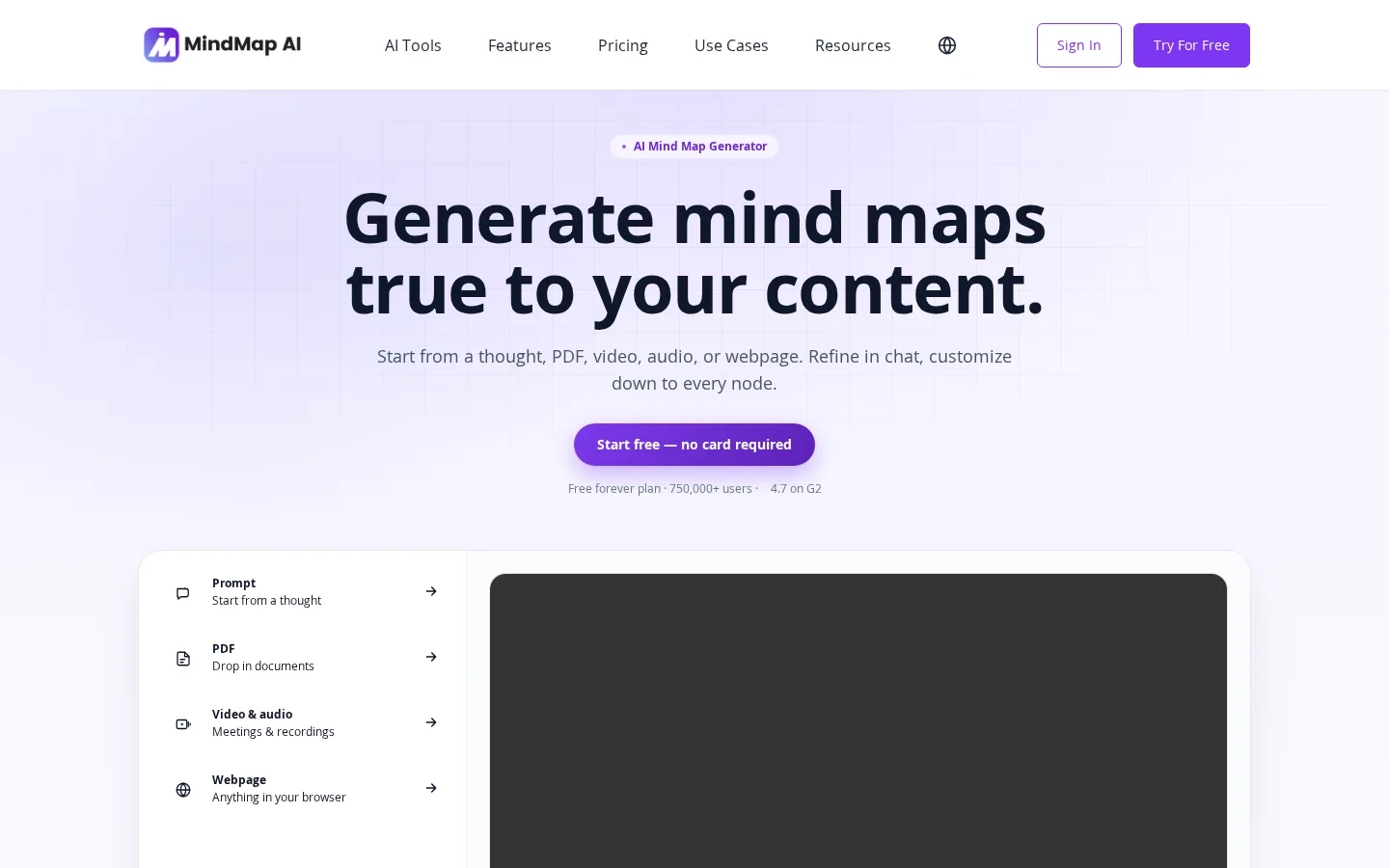
MindMap AI is a truly user-content–driven AI mind mapping tool: it doesn’t fabricate hierarchical structures out of thin air but instead deeply analyzes your input materials—such as 40-page requirement documents, verbatim transcripts of user interviews, meeting recordings, or web page content—to automatically generate an initial structure aligned with the semantics. Subsequently, it allows ongoing optimization of nodes, adjustment of relationships, and addition of details via natural language conversations, while retaining full manual editing permissions—dragging, renaming, and reconnecting nodes all incur no AI credits. Its core value lies in significantly streamlining knowledge accumulation, team alignment, and project planning processes; for example, legal teams can now process new case files in just 15 minutes instead of half a day, and product teams can synthesize themes from user interviews in one afternoon rather than a week.
MindMap AI is specifically designed for teams that need to “think and build together,” featuring a built-in team workspace and administrator controls. It supports multiple languages—including Arabic, Hebrew, and other RTL scripts—and all export formats (PDF, PNG, SVG, CSV, Markdown, .mma) as well as mainstream mind map file types (.xmind, .mmap, .smmx, .mm) are fully available under the free plan. Additionally, it natively integrates ChatGPT and Claude via the MCP protocol, enabling cross-platform two-way synchronized editing.
Key features
It supports automatically generating mind maps from various inputs, including text prompts, PDFs, audio and video files, and web pages, and enables continuous refinement of each node through conversational AI, ensuring that the structure accurately reflects the original content.
The tool provides completely free manual editing features, such as dragging and dropping nodes, renaming them, and re-establishing relationships—all without consuming any AI credits.
Use cases and audience
Professionals who need to quickly structure information, including product managers, consultants, legal practitioners, R&D teams, and educators.
- Quickly generate a project scope mind map from a 40-page requirements document, achieving consensus on the same day.
- Automatically summarize user interview transcripts into topic-based mind maps, reducing synthesis time from one week to half a day.
- Import case files for each new case and generate structured mind maps, cutting the time required from half a day down to 15 minutes.
Text prompts, PDF documents, audio and video files (including meeting recordings), and web page content.
Interactive mind maps (supporting export in PDF, PNG, SVG, CSV, Markdown, and .mma formats) as well as shareable links (via email, private links, or public links).
Frequently asked questions
Is MindMap AI free?
Yes, the free plan offers unlimited mind map creation, AI-assisted generation, and basic export features—no credit card required. The paid plans add more AI credits, additional export formats, and support for larger file uploads.
How to create a mind map using AI?
Enter prompts, upload files, or paste notes; MindMap AI will read the content, display the reasoning process, and generate a mind map within seconds. You can expand or refine it at any time through conversation, all accessible across platforms without downloading.
How to use
- 01
Input a preliminary idea or question and receive an interactive mind map within seconds.
- 02
Upload PDFs, audio/video files, web content, or meeting recordings; AI automatically parses and builds the corresponding mind map.
- 03
Use chat to ask AI to expand any branch, reorganize specific sections, or clarify concepts—your mind map updates in real time.
- 04
Manually drag, rename, and reconnect nodes; all edits stay synchronized with the AI.
Pricing and availability
The free plan is permanently valid, including unlimited manual editing, monthly AI credits, and all structure types. Paid plans are available as monthly, annual, or one-time lifetime subscriptions, catering to users who require higher AI usage and team collaboration features.
- Pricing source
- https://mindmapai.app/
- Pricing last updated
- 2026-10-30
Prices and limits may change. Check the official website for current terms.
Official website & sources
Updated on 2026-10-30
