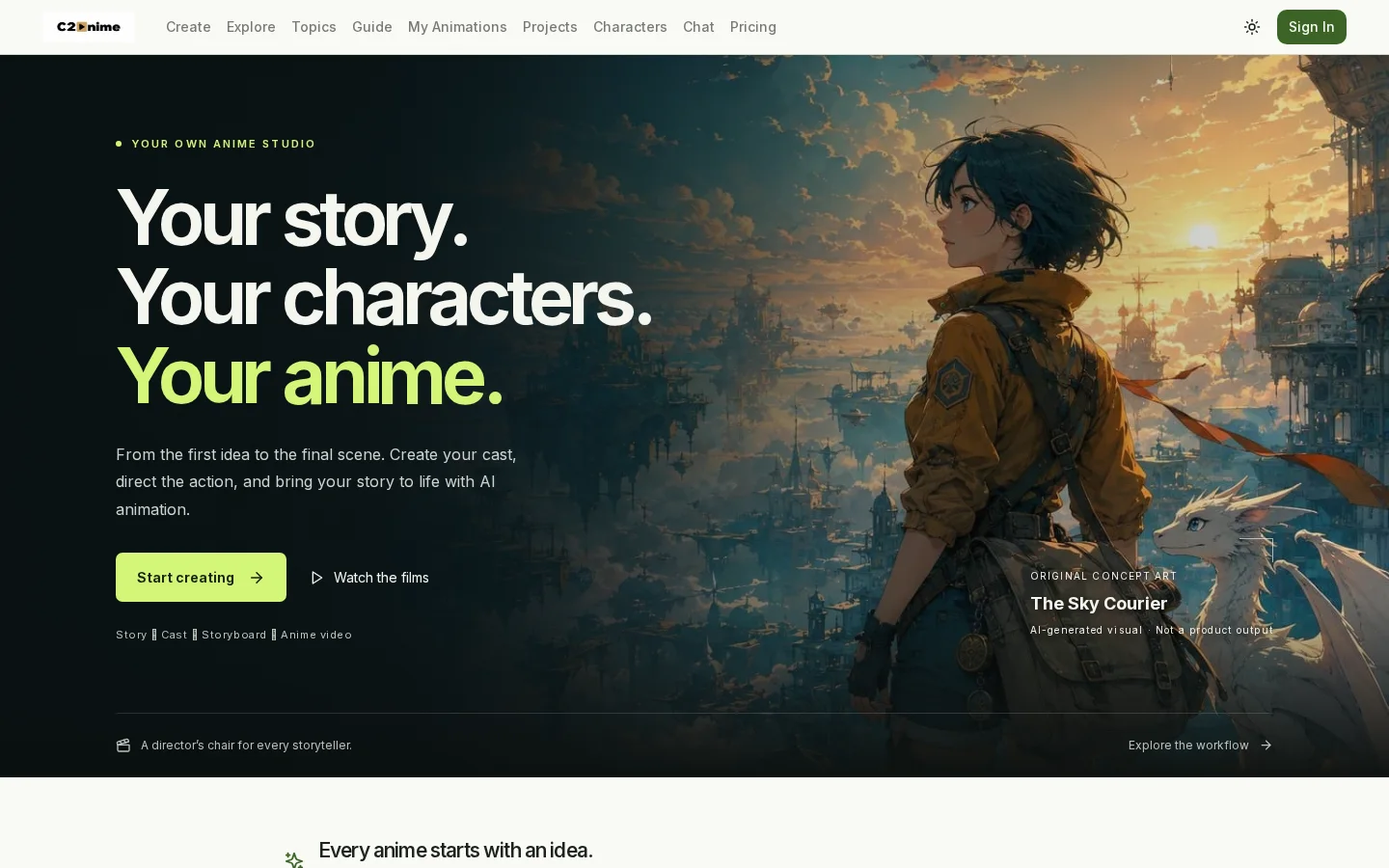
What is C2Anime?
C2Anime offers an end-to-end AI animation workflow: starting with an input story or script, the AI director automatically generates a reviewable screenplay; next, users define character appearances, settings, and prop references to build a cohesive visual universe; then they review storyboards and shot compositions, make adjustments, and move on to video rendering, where narration, dialogue, ambient sounds, and music can be added; finally, the finished animated short is exported in either landscape (16:9) or portrait (9:16) format. The platform has already produced fully realized works spanning diverse styles—such as steampunk fantasy, claymation comedy, Ghanaian street music, and Chinese‑style heartwarming shorts—with individual pieces ranging from 32 seconds to 1 minute and 41 seconds in length.
Key features
Supports end-to-end in-browser creation: no need to install Blender, no 3D modeling or character rigging required—anyone can start a project with zero animation experience.
Build reusable character and world‑building assets: the same character designs, settings, and key props remain consistent across all storyboards, ensuring visual continuity.
Use cases and audience
Creators with no animation experience—including novelists, teachers, independent artists, and literary enthusiasts—are welcome.
- Transform original stories, novels, or scripts into animated shorts complete with storyboards and character designs.
- Adapt classic literary works (such as “The Last Leaf” and “The Monkey’s Paw”) into animated short films
- Produce vertical/horizontal-screen animated shorts in multiple languages and artistic styles (e.g., the Chinese-dialogued “Stars on the Roof,” or the wordless British clay comedy “The Umbrella Inspector”)
Story ideas, scripts, or novel texts; optional languages, artistic styles, and generation settings.
Animated videos with voiceovers, dialogue, ambient sounds, and background music, supporting both 16:9 and 9:16 aspect ratios, ranging in length from 32 seconds to 1 minute and 41 seconds.
Frequently asked questions
Does generating require installing Blender or prior modeling experience?
No need. The entire creation process runs entirely in your browser—no need to install Blender, build 3D models, or rig characters.
Can you preview the first scene before generating the entire video?
Yes, you can first review the script, characters, and storyboard, and test the first scene’s video effect before proceeding with rendering the rest.
How to use
- 01
Input a story, script, or novel, and let the AI director generate a reviewable screenplay
- 02
Choose an anime style, review character, scene, and prop reference images to build a cohesive world view
- 03
Review storyboards and shot designs, make adjustments to individual scenes, then proceed to video generation
- 04
Render the animated video complete with voiceovers, dialogue, ambient sounds, and background music, then export and share it
Benefits and limitations
Benefits
- Provides a one-stop production workflow, from story ideation to finished anime videos.
- Maintains visual consistency across different scenes by reusing character, scene, and prop references.
- Allows users to review scripts and storyboards before rendering.
- Supports dialogue, narration, ambient sounds, and music.
- Runs in the browser, eliminating the need for Blender or any 3D modeling or rigging experience.
- Supports both vertical and horizontal video formats simultaneously.
Limitations
- Video generation consumes credits; higher-quality video tiers use up credits more quickly.
- Re-rendering scenes requires additional paid credits.
- Subscription credits are refreshed monthly, and unused credits do not carry over.
- Final output quality and generation time may vary depending on the model, settings, and scene.
- This service is currently positioned as an early access version and may be best suited for short-video production.
Pricing and availability
Generation uses a points-based system; please refer to the pricing page for specific plans and point rules. Before starting generation, you can check the required points on the studio interface.
- Pricing source
- https://c2anime.com/
- Pricing last updated
- 2026-10-29
Prices and limits may change. Check the official website for current terms.
Official website & sources
Updated on 2026-10-29